
YouTube 影片筆記
RayNeo iO 智慧眼鏡實測:33 克機身與即時翻譯全天記憶
原片標題:These RayNeo iO Smart Glasses are some very clever tech you can wear! 🤩👓
原片說明
#ad - These RayNeo iO Smart Glasses are some very clever tech you can wear! 🤩
Check them out here!
https://dada.link/toqGtm
@rayneo_global recently launched these new smart glasses and I must say, I am genuinely impressed. They are really lightweight (just 33 grams) and look like regular glasses, not some bulky prototype. Which surprised me a lot. 🙌
What I really like is the personal dashboard that displays core information right in front of you. The todo feature is especially useful. I can simply describe things I need to do and have them right in front of me whenever I need them, instead of going back and forth to a design document, or check my phone.
And don’t worry, they are not in front of you all the time. You can activate them by tilting your head, saying “Hey RayNeo”, or touching the crown control on the frame. 😉
Which makes them less distracting, but really useful!
But these glasses are more than just a screen. They can transcribe and translate audio in real time, with Live Captions supporting up to 55 languages. It's really nice when traveling abroad and you don’t speak the language.
There’s also an ambient all-day memory feature that can summarize things you hear throughout the day. This could be great for meetings, but what I like using it for most is rambling ideas. 💡
Wherever I am, grabbing coffee, making lunch, having a break 🧻.. I can just speak an idea out loud and get back to it later in my ambient memory log. 😉
So, for all you developers who want a wearable AI assistant, definitely check these out. I am genuinely really impressed.
- - - - - - - - - - -
Happy coding everyone! 👨💻
~ Follow for game development and programming content! 🤩👨💻🎮
@justinbieshaar
.
.
🏷️ #RayNeo #RayNeoiO #SmartGlasses
戴眼鏡的人應該都懂,鼻樑上多掛一副有重量的東西有多煩,所以看到這副只有 33 克、外型就跟普通鏡框沒兩樣,我其實有點意外。Justin Scott Bieshaar 這次試的是 RayNeo iO 智慧眼鏡,重點不是炫技,是它把資訊放在你視線裡,又不會一直擋著你。
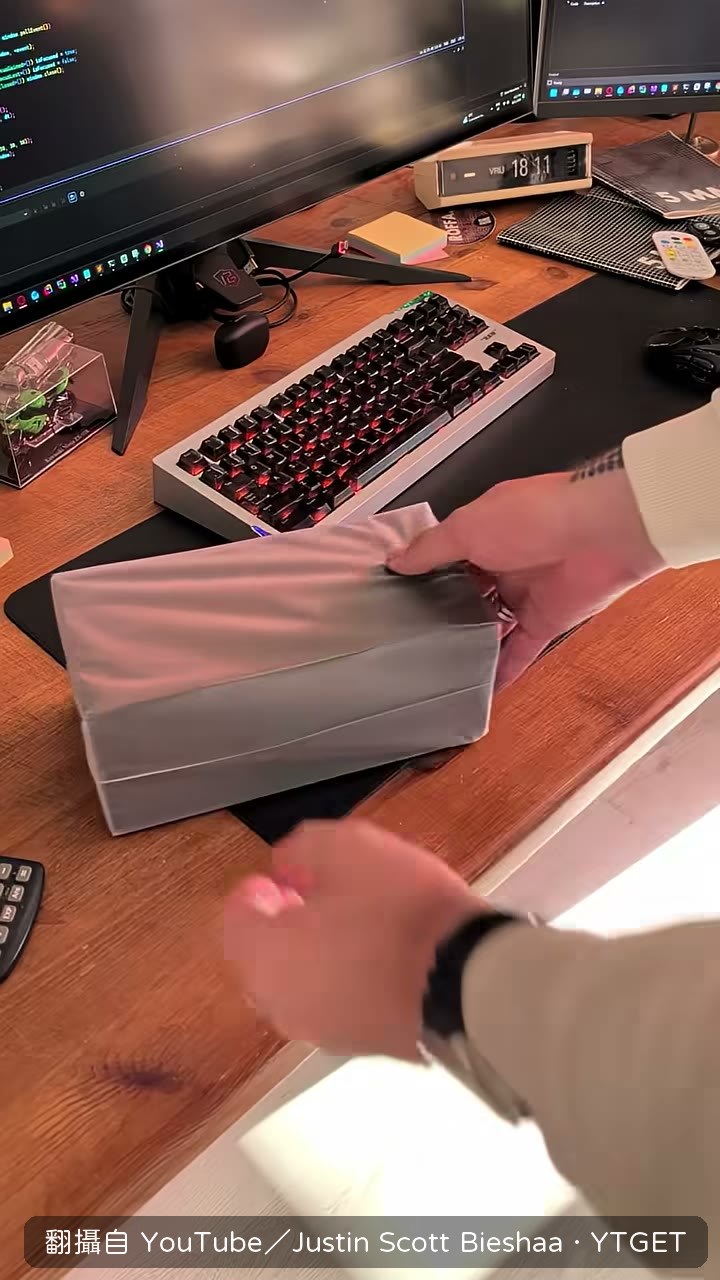
它把儀錶板放在你視線裡,但不會一直擋著你
這副眼鏡的核心是一個個人儀錶板,把待辦事項這類關鍵資訊放在視線範圍內,讓 Justin Scott Bieshaar 不用一直回頭翻設計檔案或拿手機。要用的時候才啟動,可以傾頭、說「Hey RayNeo」,或是碰一下鏡框上的控制鍵,所以它平時是安靜的,需要時才出現。
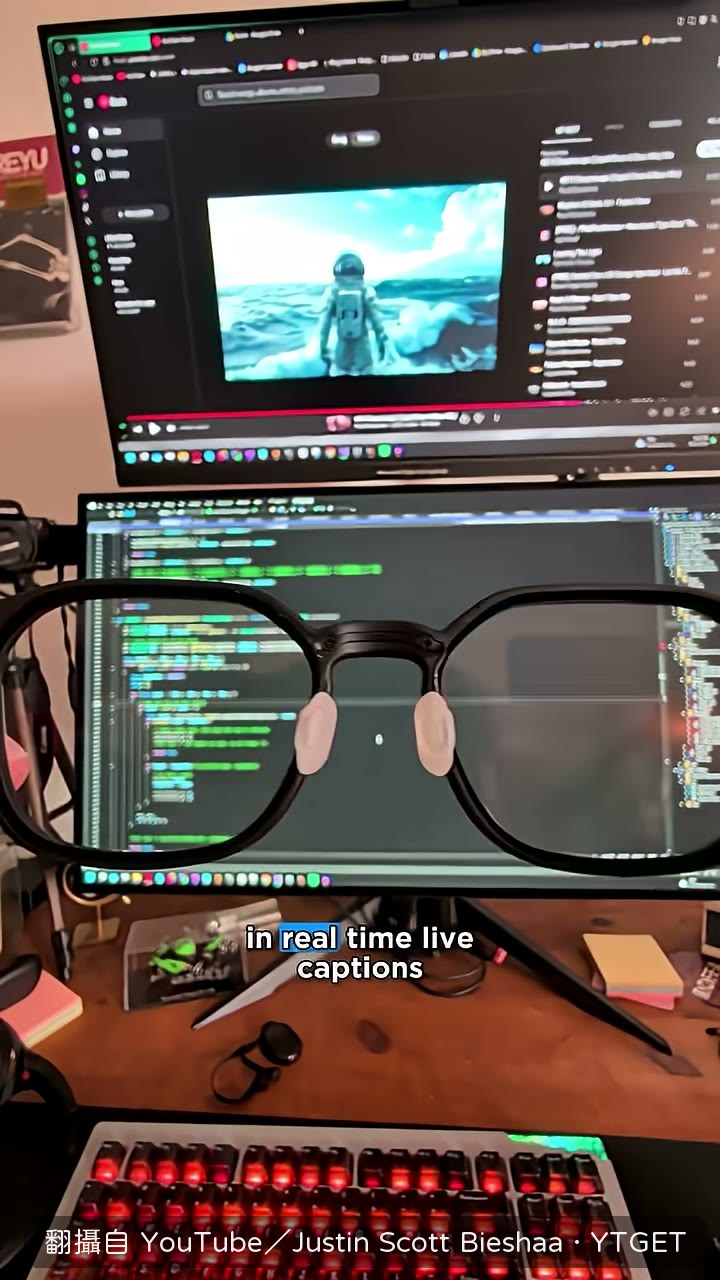
影片時間軸
- 00:03開場直接戴上 RayNeo iO,說這是可以穿戴的聰明技術
- 00:18講即時字幕能顯示並翻譯最多 55 種語言
- 00:29舉例在路邊突然想到遊戲點子,直接說出來讓眼鏡幫你記下
- 00:42強調外型不像笨重的科技原型機
- 00:46說出 33 克、續航最多兩天,戴上去就能忘記它的存在
- 00:56對想找穿戴式 AI 輔助的開發者喊話,收在 happy coding
翻譯與全天記憶才是它真正拉開差距的地方
除了螢幕,它還能即時轉錄與翻譯聽到的聲音,出國聽不懂當地語言時很實用。另一個是全天環境記憶,能把一整天聽到的內容做摘要,所以當你人在外面、腦中突然冒出一個新的遊戲點子,可以直接講出來讓眼鏡整理,之後再回頭處理,不用急著掏手機。
值得下載嗎
如果你本來就在找穿戴式的 AI 輔助工具,這支短短一分鐘的介紹把規格與使用情境都講到了,值得存下來;但如果你只想看實際操作畫面,這支幾乎都是口述,資訊量偏薄。
覺得這篇筆記有幫助嗎?