
YouTube 影片筆記
MacBook Pro 現場上手:觸控操作與 ProLED XDR 螢幕實測
原片標題:MacBook Pro PROLED XDR Display Hands-on
原片說明
The MacBook Pro is finally touchscreen — would you actually reach for the screen, or is this Apple giving in? 👇
Apple's new MacBook Pro with PROLED XDR Display is the first Mac you can touch. I went hands-on at the launch event to see how touch, the new OLED screen and the Dynamic Island feel in real life.
🛒 SHOP
ASUS - Zenbook S14 14" OLED 3K Touchscreen : https://bestbuycreators.7tiv.net/0Gon2O
HP - OmniBook Ultra - 14" 3K OLED Touchscreen Laptop: https://bestbuycreators.7tiv.net/vDk0W3
📲 FOLLOW
https://www.instagram.com/booredatwork
https://tiktok.com/@booredatwork
https://twitter.com/booredatwork
⏱ CHAPTERS
🏬 MY STORES
Shop Amazon: https://amzn.to/4zQIHWB
Shop Best Buy: https://bestbuycreators.7tiv.net/booredatwork
All opinions here are my own. Some links above are affiliate links —
they cost you nothing extra, and using them helps support the channel.
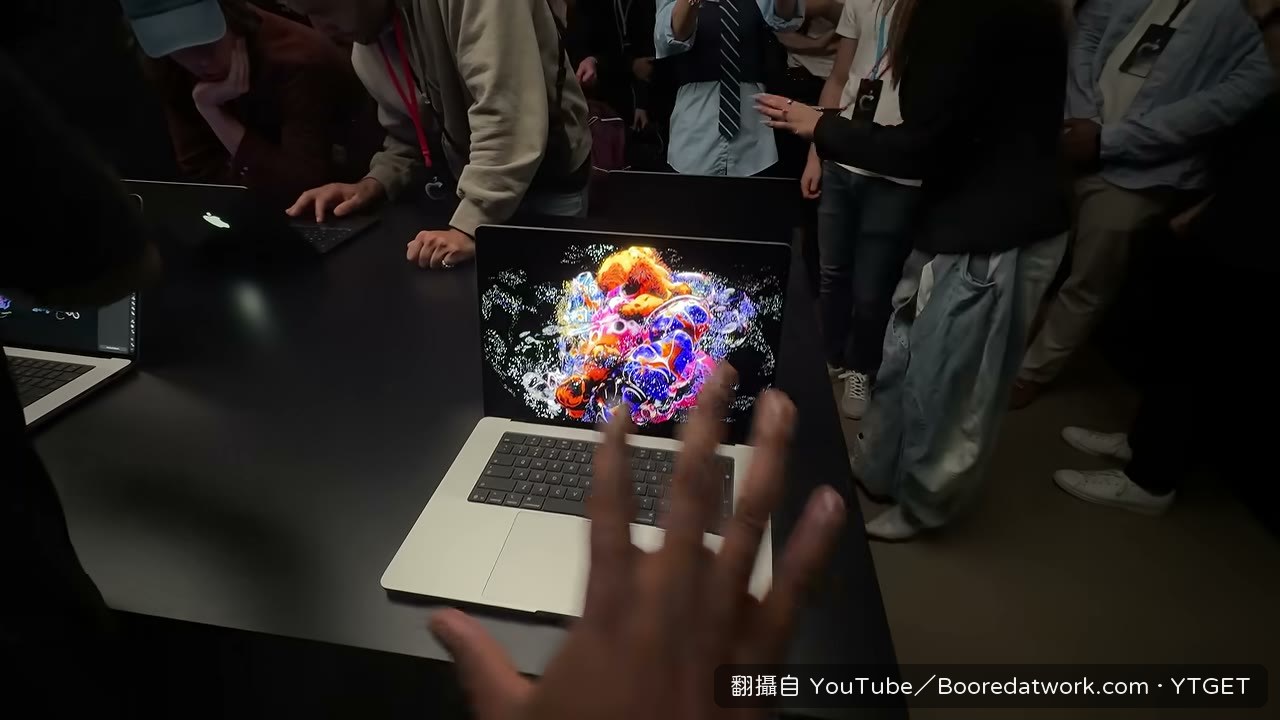
Mac 終於可以觸控了,我第一個反應其實是「也太晚了吧」,但看到那塊 ProLED XDR 螢幕亮起來的瞬間,又覺得算了,這畫面真的漂亮。Booredatwork 在發表會現場直接上手這台 16 吋,順手把觸控、動態島跟整排連線埠都玩了一輪。
影片時間軸
- 00:00開場先拍螢幕,強調亮度 2008 尼特與鮮豔度
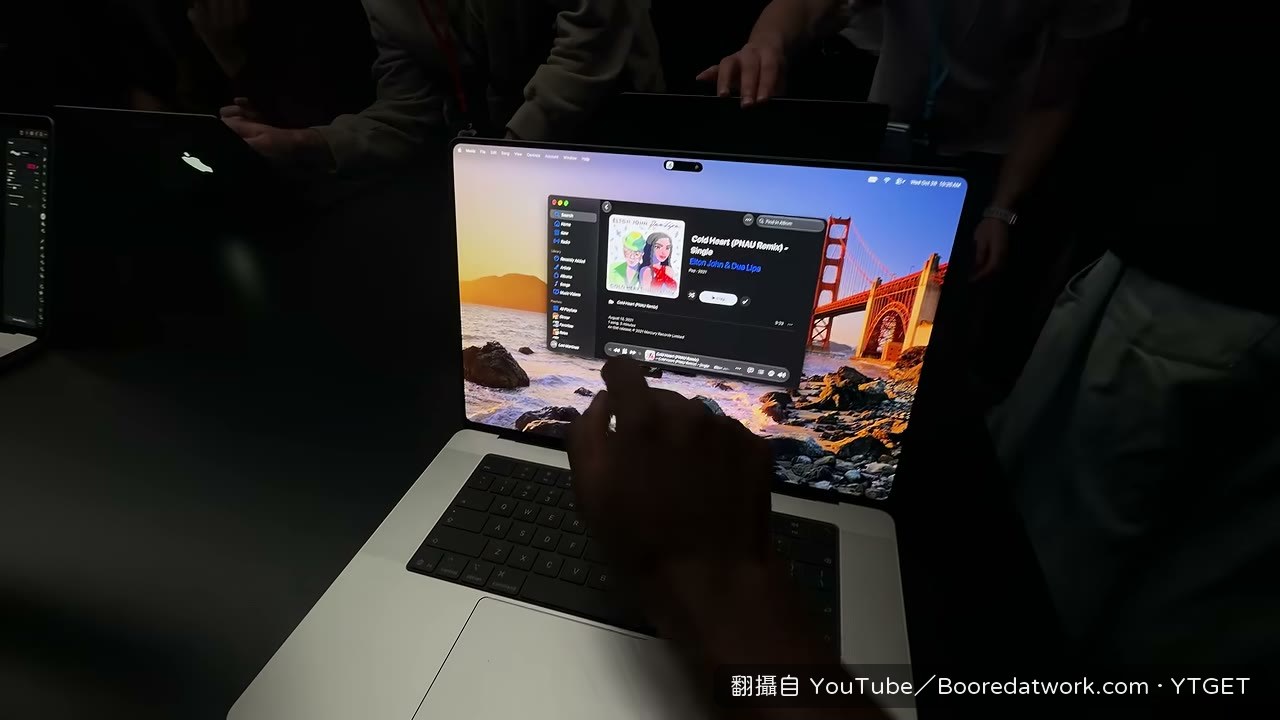
- 00:10點出這是第一台支援觸控的 Mac,實際拖曳、貼齊視窗
- 00:25玩頂部動態島,點播放、點一下就展開
- 00:45換看 16 吋與 14 吋機身,14 吋約三磅、16 吋約四磅
- 00:57翻到背面,蘋果標誌重新會發光
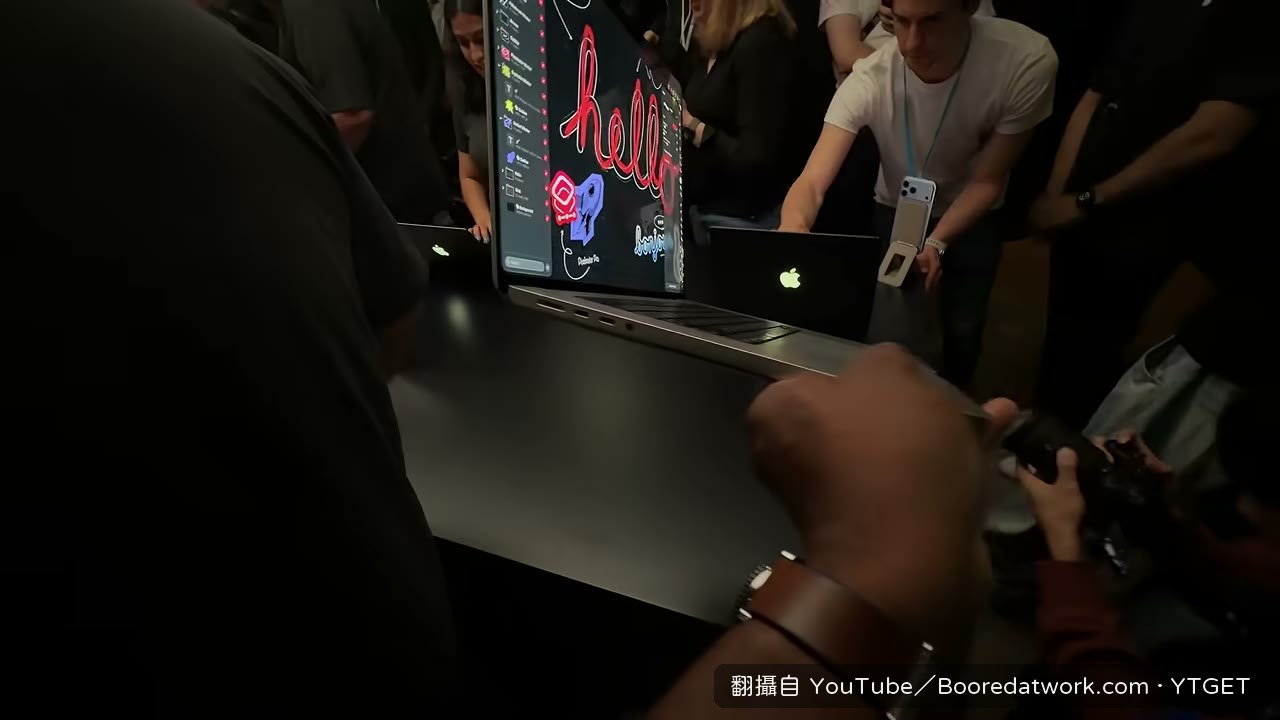
- 01:12繞一圈展示連接埠數量,最後回到剪輯軟體試手勢
- 01:42在時間軸上縮放、滑動,收尾提醒訂閱
觸控才是這次的主菜
Booredatwork 沒有花太多時間在規格上,反而一直重複「很順」。拖曳物件、把視窗貼齊、在剪輯時間軸上縮放滑動,這些動作他用手指做完一輪,結論是操作起來很舒服,而且「用起來還是 Mac」。這段是整支影片最有說服力的地方,因為他示範的是實際會用到的動作,不是空喊觸控好棒。
規格那段聽得出來是現場硬背的
記憶體跟儲存空間那段明顯吃螺絲,先說 128GB RAM、16TB,馬上改口 120GB、60TB,前後對不上。價格也還沒公佈。機身重量跟發光蘋果標誌倒是講得清楚,14 吋約三磅、16 吋約四磅。這段落資訊鬆散,快轉過去不太會漏掉什麼。
值得下載嗎
如果你在意的是「Mac 到底能不能觸控、用起來順不順」,這支可以留著看那幾段實際操作;但規格數字講得亂、又沒有價格,當成選購參考的價值不高。
覺得這篇筆記有幫助嗎?